
Caution
- Do not use damaged, leaking, or swollen batteries
- Do not mix old and new batteries
- Do not short-circuit, crush, puncture, or incinerate batteries
- Keep batteries out of reach of children
-
Remove the Front Cover
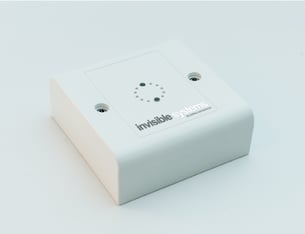
Remove the two security screws and carefully lift off the front cover. -
Remove the Battery
Gently pull the battery out of the holder.

-
Confirm Device Start-Up
Observe the LED indicator to confirm the device powers on. -
Re-fit the Front Cover
Replace the front cover and secure it using the two security screws.